AltTide - AI Alt Text Generator & Image SEO
A free AI alt text generator that writes accurate alt text for your whole media library, for better image SEO and accessibility. Bring your own key, no per-image credits.
- Free forever, not a limited trial
- Available on WordPress.org
- Updates and support included, direct from the developers
- Version 1.0.0
- Requires PHP 7.4+
- Tested with WordPress 6.6
- Works with OpenAI, Claude, Gemini

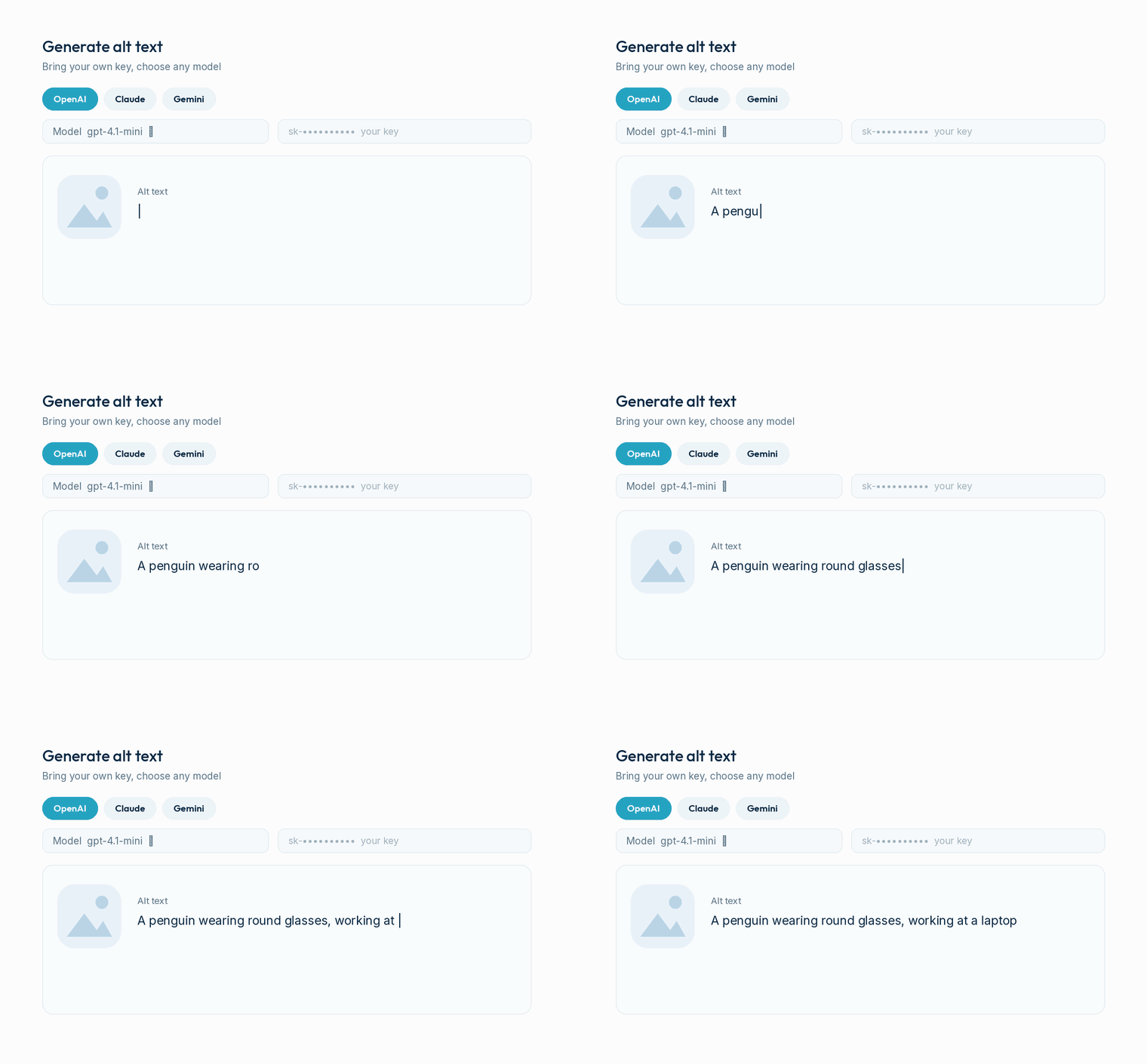
Alt text that actually describes the image
Real AI vision reads each image and writes clear, accurate alt text, so search engines and screen readers both understand your media.
Bring your own AI key, pay no per-image fees
Connect your own OpenAI, Claude, or Google Gemini key and generate as much alt text as you like. No credits, no per-image charges, no lock-in. You control the cost.
- Works with OpenAI, Claude and Google Gemini
- Pick a model from the list, or paste a newer one
- Descriptive, concise or keyword style, keeps brand casing (iPhone, WordPress)
- Keys are masked, revealed and deleted safely
The AI alt text generator that fixes your whole library
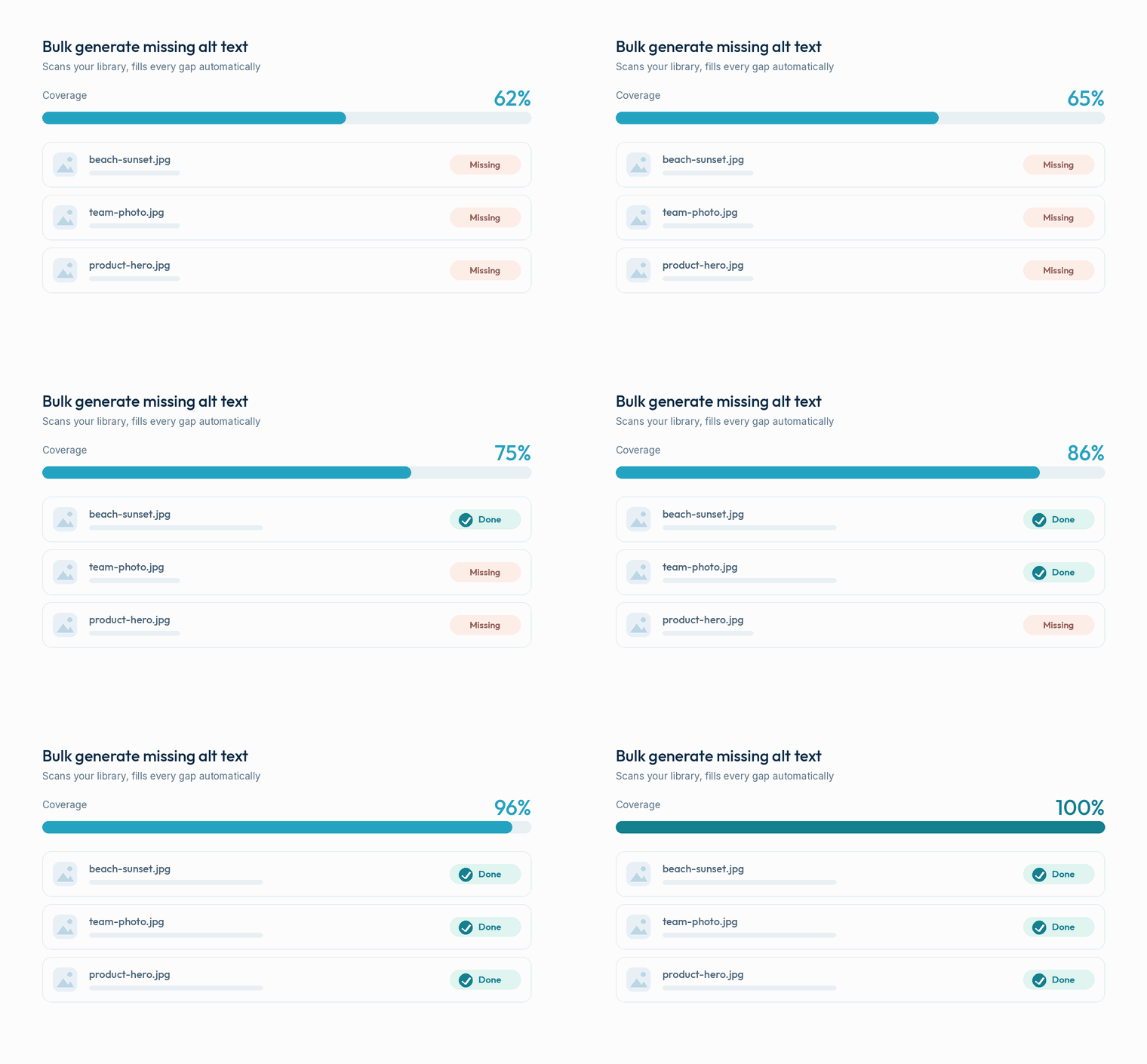
Run a bulk pass across every image that is missing alt text, watch coverage climb to 100%, and get automatic alt text for WordPress on new uploads from then on, so you never have to learn how to add alt text in WordPress by hand.
- Bulk generate across the media library
- Auto-generate on every new upload
- Fill only missing, or overwrite, your choice
Built for image SEO, not just alt text
Generate titles, captions and descriptions too, and pull your focus keyphrase straight from your SEO plugin so alt text supports the page it lives on.
- Titles, captions and descriptions, free
- Reads focus keyphrase from Yoast, Rank Math, AIOSEO, SEOPress
- Multi-language and WP-CLI ready

Switched models? Regenerate in a click
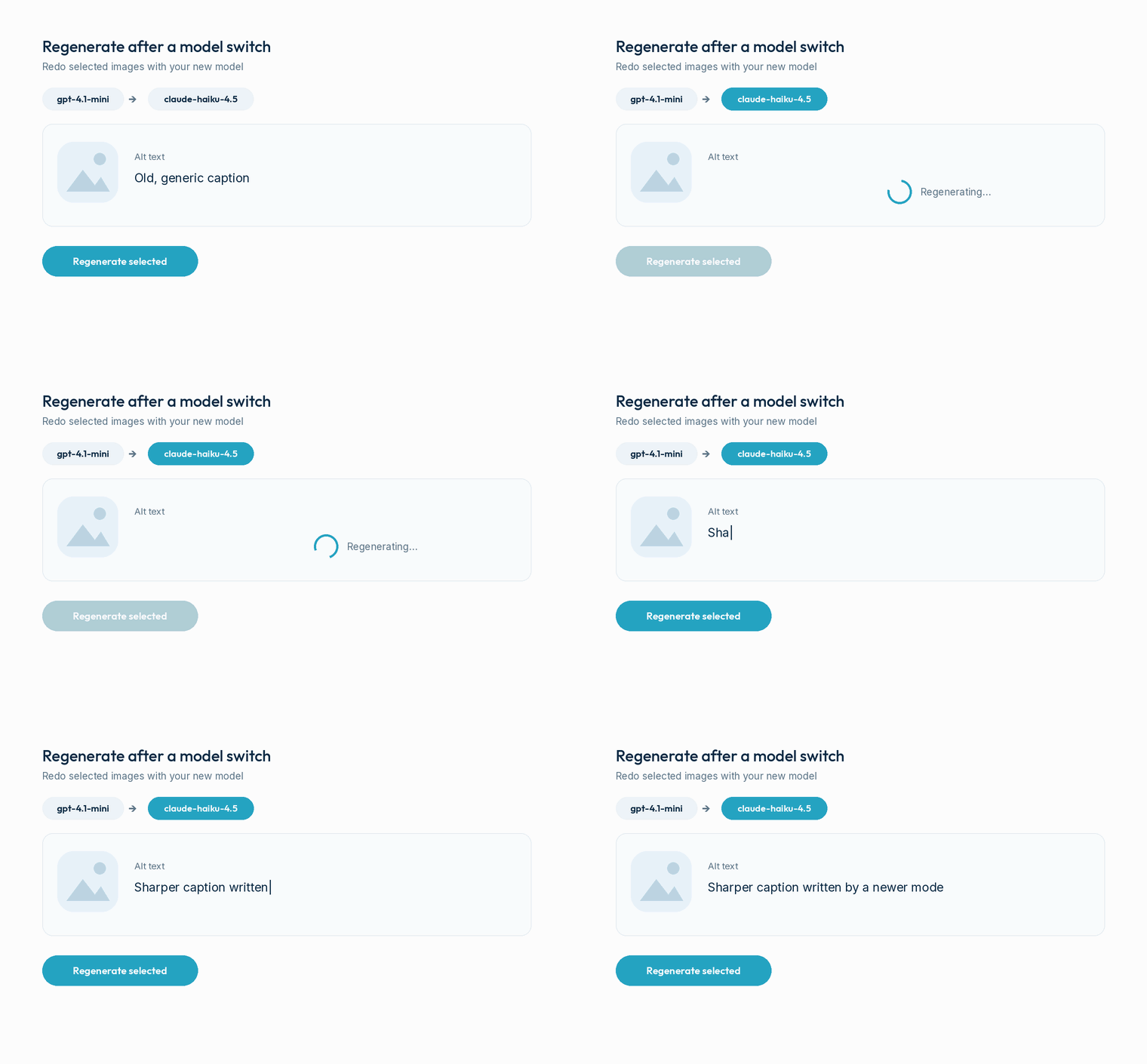
The Has alt text view lets you hand-pick images that already have alt text and re-run them with your current provider and model, one image at a time. Ideal after trying a newer model.
- A Has alt text gallery to cherry-pick from
- Regenerate selected in bulk, or one by one
- Runs one image at a time, provider-safe
Mark decorative images the correct way
Logos, dividers and spacers should carry an empty alt so screen readers skip them. Mark them decorative and AltTide drops them from the missing count and never wastes a generation on them.
- One-click Decorative action, WCAG-correct
- Empty alt so screen readers skip them
- Excluded from the missing-alt count
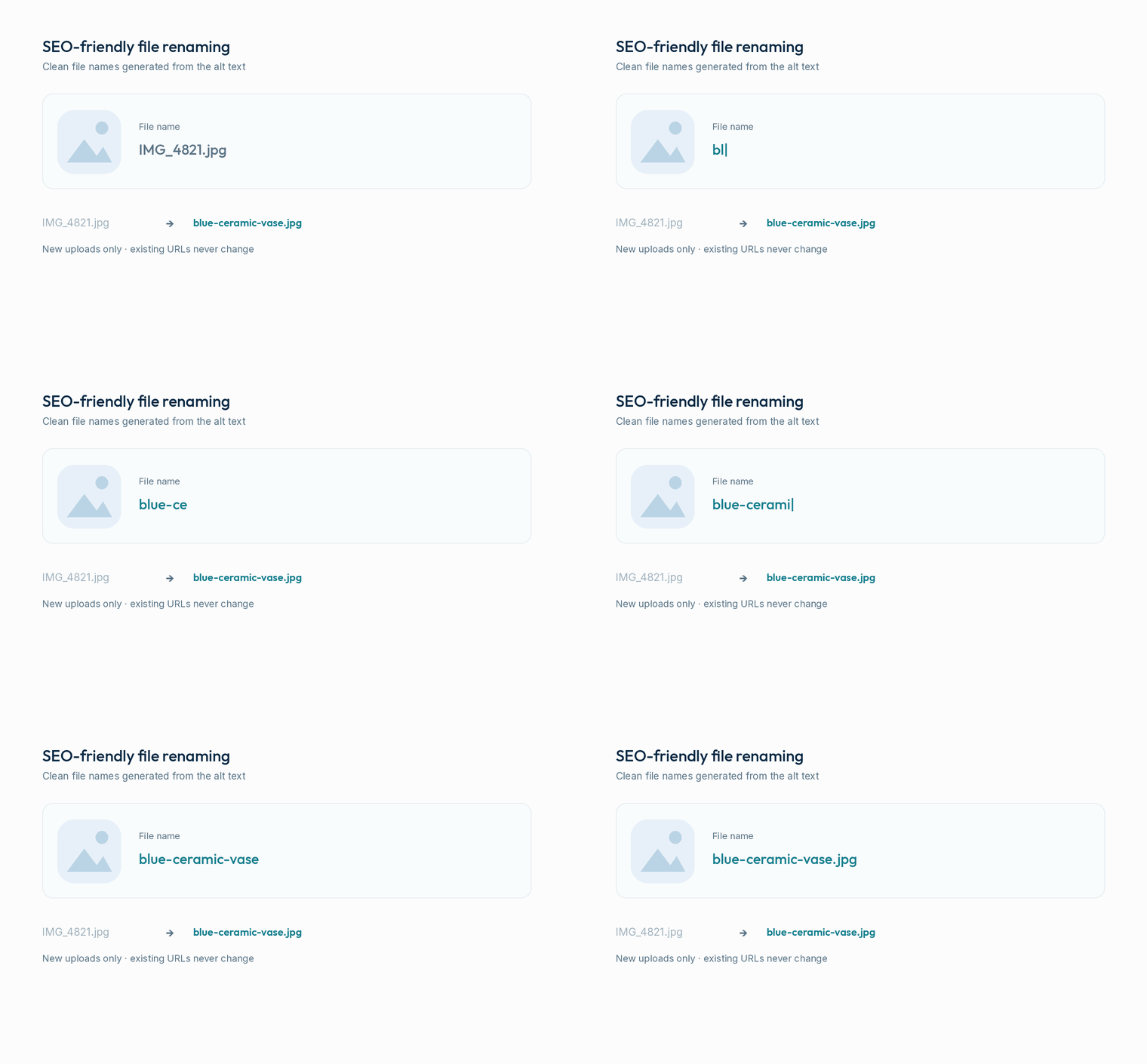
Turn IMG_4821.jpg into blue-ceramic-vase.jpg
Optionally rename new uploads from the alt text AltTide just wrote, so search engines read a descriptive file name. New uploads only, so no existing URL, feed or sitemap can ever break.
- Reuses the alt text it just generated
- New uploads only, opt-in and off by default
- Thumbnails and metadata updated together
Meet accessibility rules, without the busywork
Missing alt text is one of the most common accessibility failures, and with the EU Accessibility Act now in force, it matters more than ever. The free coverage dashboard shows exactly which images still need alt text, and fixes them in a click.
Everything in the free plugin
Bring your own key
Use your own OpenAI, Claude or Gemini key. No credits, no per-image fees.
AI generation
Accurate alt text from real image analysis.
Pick any model
Choose a model from the list, or paste a newer one.
Bulk + on upload
Cover your whole library, then stay covered automatically.
Coverage dashboard
See your alt-text percentage and exactly what is missing.
Inline editing
Review and tweak alt text in a clean media table.
Regenerate anytime
Re-run images that already have alt text after a model switch.
Titles, captions, descriptions
Full image metadata, not just alt text.
SEO plugin sync
Uses your focus keyphrase from Yoast, Rank Math, AIOSEO and SEOPress.
Decorative images (WCAG)
Mark logos and spacers decorative so screen readers skip them.
SEO-friendly file renaming
Turn IMG_4821.jpg into a descriptive, keyword-rich file name.
Multi-language & WP-CLI
Generate in the language you publish in, or bulk-run from the WP-CLI command line.
Need more power? Go Pro
The free plugin covers alt text and basic image SEO. Pro adds automation, scale, store integrations and agency controls for busy sites and teams.
Three steps to full coverage
Add your key
Install the free plugin and paste your OpenAI, Claude or Gemini key.
Bulk generate
Run one pass across every image missing alt text and watch coverage hit 100%.
Stay covered
New uploads get described automatically from then on.
What customers say
"Described 2,000 images in an afternoon with my own OpenAI key, and paid a couple of dollars instead of a monthly credit bill. Brilliant."
"Our accessibility audit went from red to green. The coverage dashboard made it obvious what to fix."
"It reads my Rank Math keyphrase and writes alt text around it. Small thing, big difference for image search."
Yes. It is an AI alt text generator free to download on WordPress.org, and the AI generation is free too. You connect your own AI provider key, so there are no per-image credits or monthly fees from us. You only pay your AI provider for what you use, which is usually a few cents per hundred images.
OpenAI, Claude and Google Gemini. You choose the provider and model, and enter your own API key. ShoreZella is not affiliated with these providers.
You need an API key from one of the supported providers. Most offer low pay-as-you-go pricing, and describing images is inexpensive. The plugin never uses ShoreZella keys.
Yes. Alt text is a core accessibility requirement (WCAG, and the EU Accessibility Act). The coverage dashboard shows which images are missing alt text so you can reach full coverage quickly.
Free covers AI alt text, bulk and on-upload generation, the coverage dashboard, titles and captions, and SEO-plugin keyphrase support. Pro adds WooCommerce mode, OpenGraph tags, scheduling, rules and templates, a per-image SEO score, and agency and white-label tools. See Pro.
WordPress with PHP 7.4 or higher, and an API key from a supported AI provider. Multisite is supported.
Describe every image, the smart way
Install the free plugin, add your AI key, and reach full alt-text coverage today. Upgrade to Pro whenever you need more.