
Login Styler - Customize WordPress Login Page
Customize your WordPress login page with a live preview. Change the login logo, background, colours and per-device layout, no coding. A custom login page for WordPress that never changes how users sign in.
- Free forever, not a limited trial
- Available on WordPress.org
- Updates and support included, direct from the developers
- Version 1.0.0
- Requires PHP 7.4+
- Tested with WordPress 6.6
- Last updated July 2026
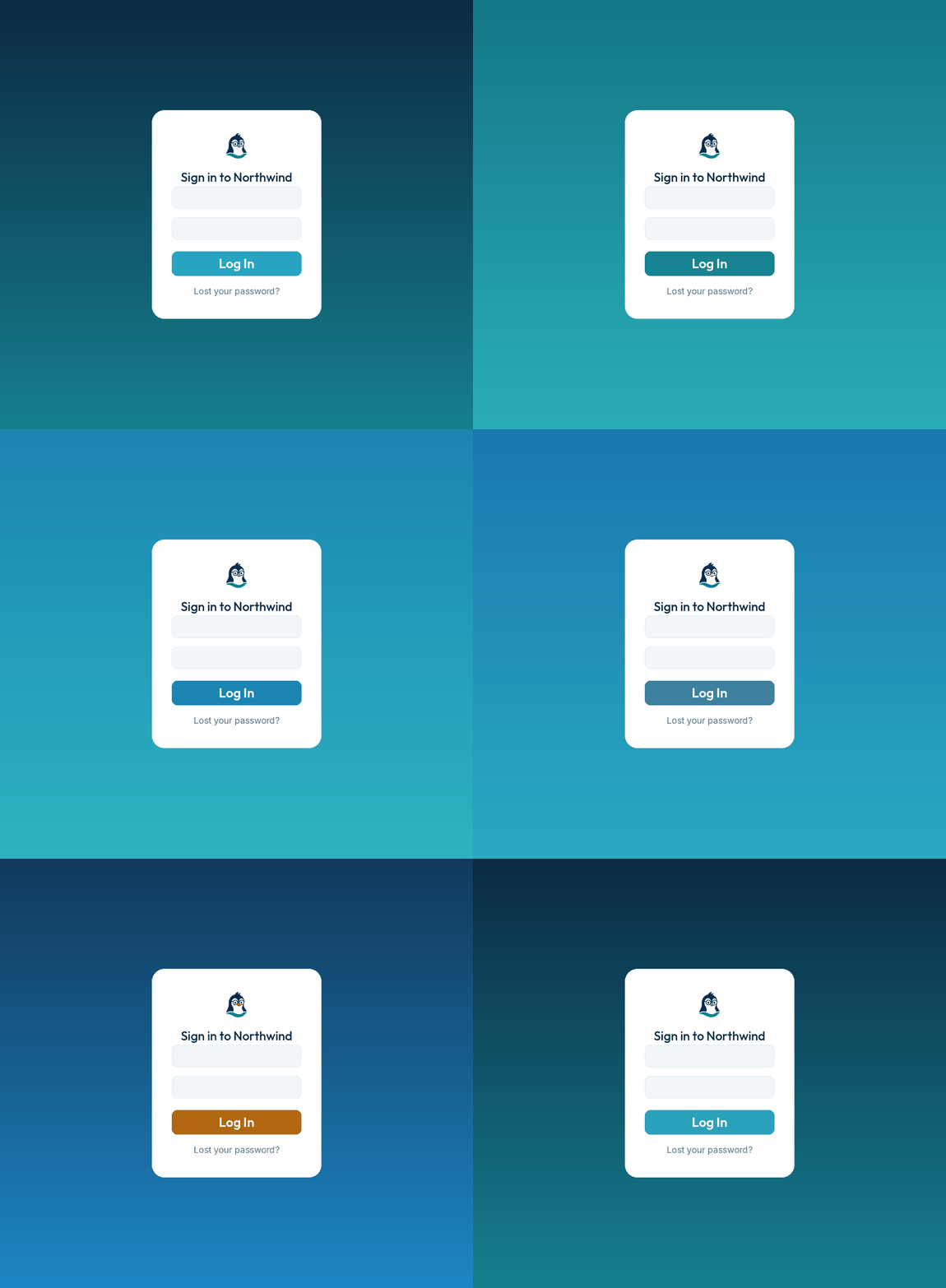
Make the login screen truly yours
Every WordPress site ships with the same plain wp-login.php. It is the first thing clients, members and customers see. Make it match your brand in minutes.
See every change as you make it
A live preview sits right beside the settings and updates the moment you change a field. Pick a colour and it recolours instantly. Nothing goes live until you press Save.
- Switch preview between desktop, tablet and mobile
- Zoom in to check the fine details
- Toggle sample notices and hints to test every state
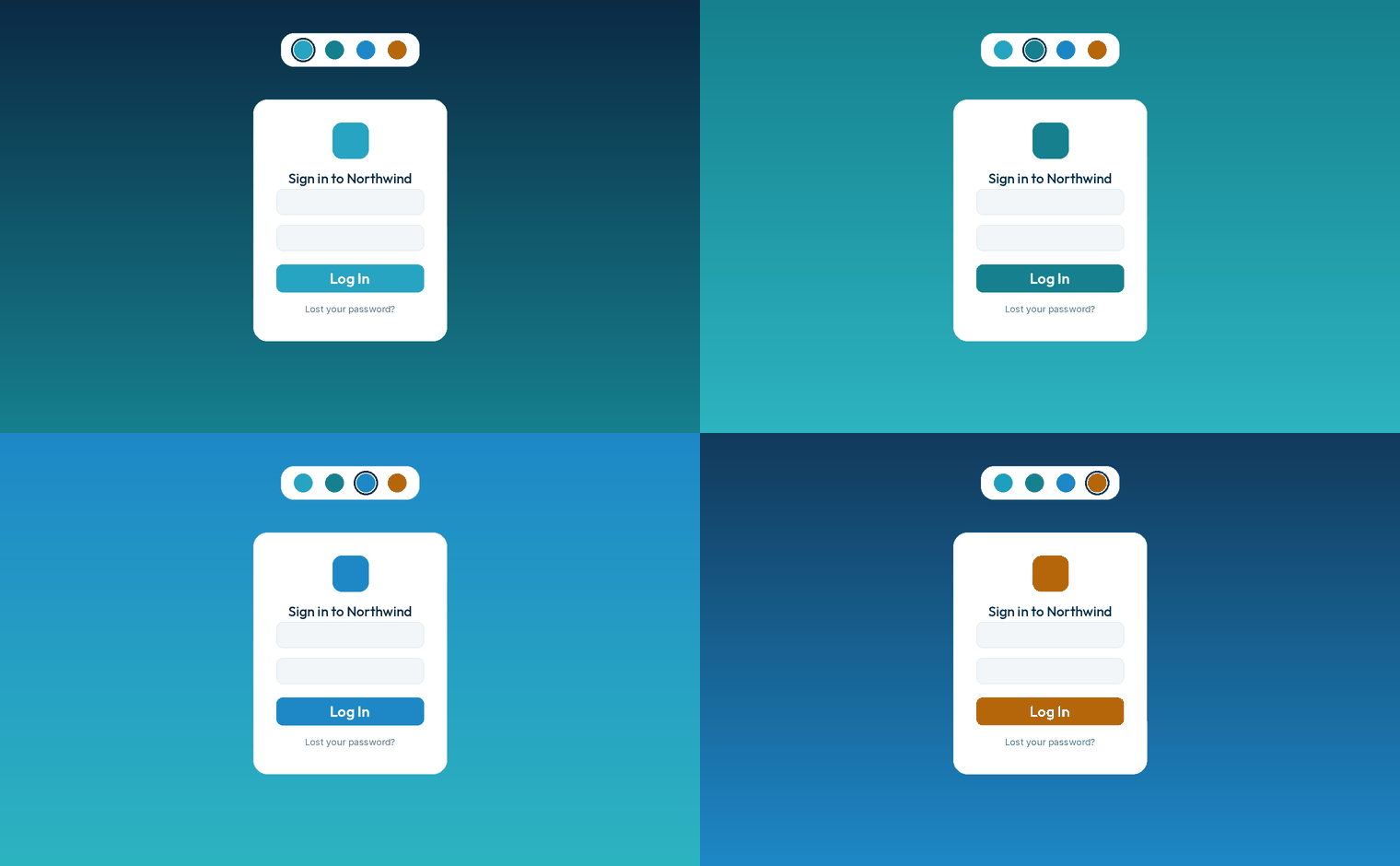
Your brand, front and centre
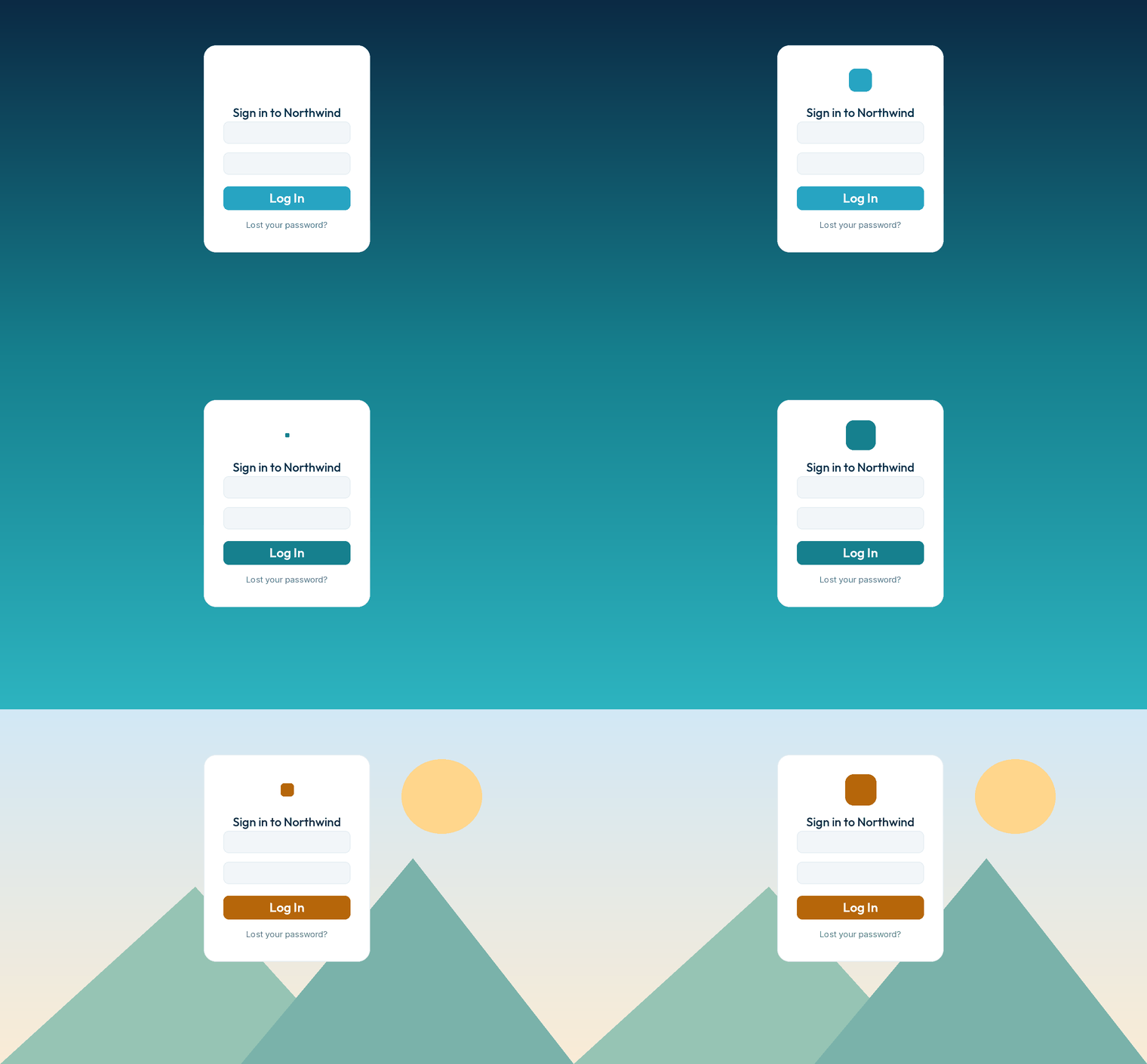
Change the WordPress login logo to your own, set its size and where it links, and add a subheading. Then set a background colour or a full-page image with position, repeat and display modes.
- Custom logo, size, link and hover title
- Full-page image: cover, contain, stretch or default
- Optional filters, blur, brightness, grayscale, sepia
Customize WordPress login page design, down to the last detail
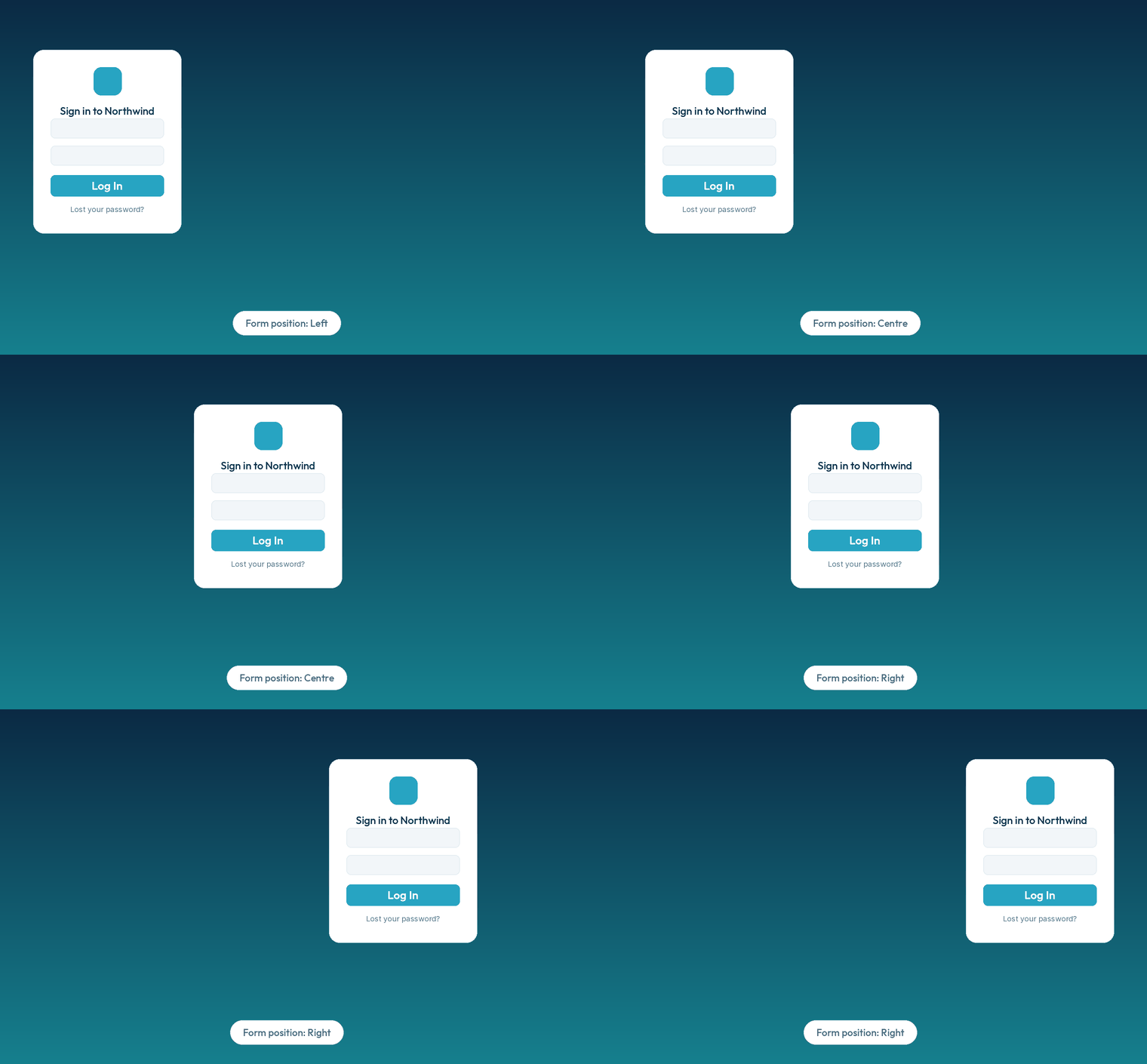
Position the form left, centre or right, then set its width, margin, padding, rounded corners, opacity and shadow. Colour the inputs, labels, buttons, notices and footer links to match.
- Button background, text and hover colours, plus a full-width option
- Move Register and Lost password inside the form
- Style the language switcher, or hide it entirely
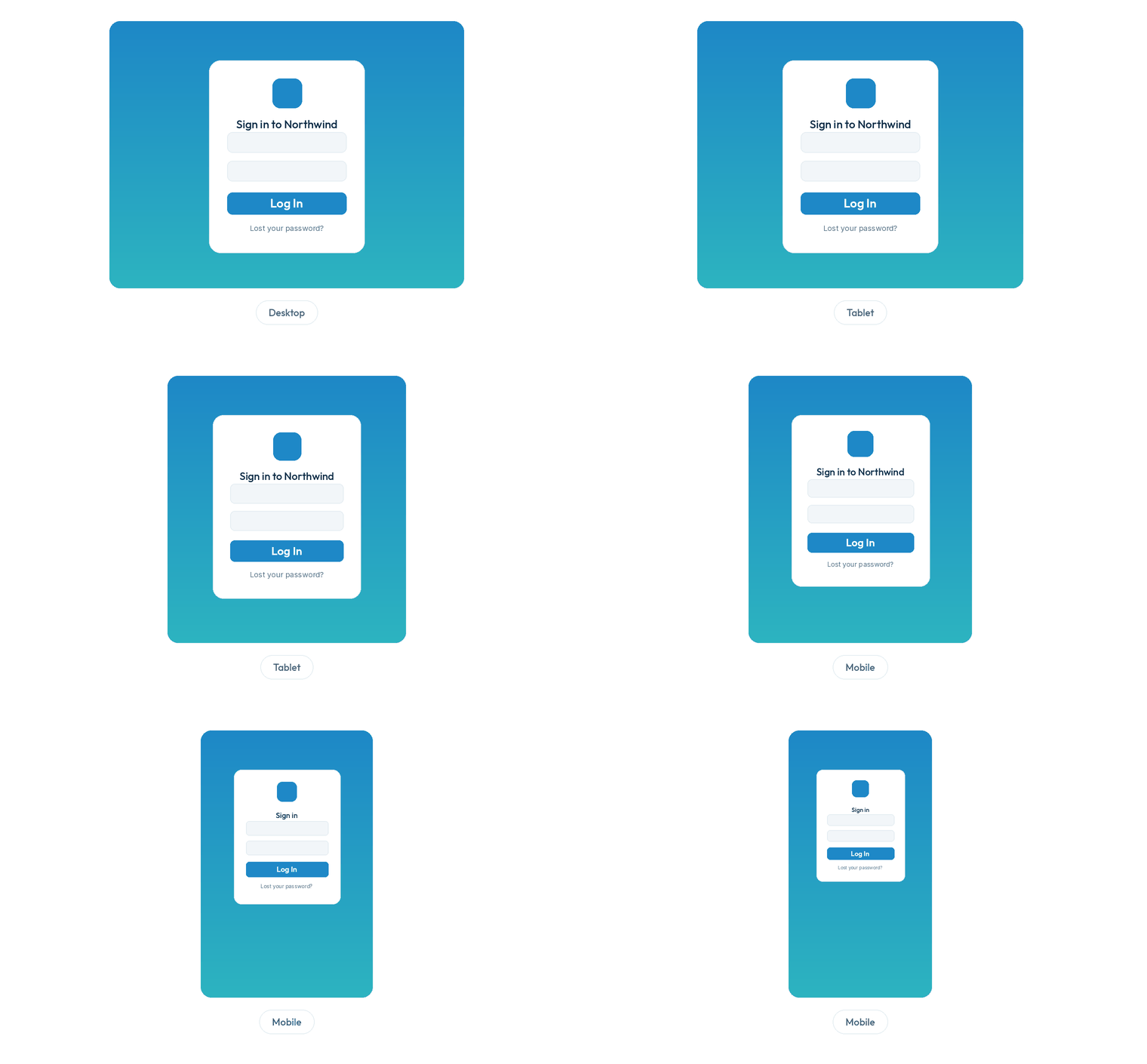
Per-device control, and settings you can take anywhere
Set form position, width, margin and padding separately for desktop, tablet and mobile. Leave a value blank and it simply follows the wider screen. Export your settings to a file and import them on another site in seconds.
- Independent desktop, tablet and mobile overrides
- Reset to defaults any time, with an optional clean uninstall
- Export settings and import them on another site
Everything you can customise
Logo and heading
Your image, size, link, hover title and a subheading line.
Background
Colour or full-page image, position, repeat, display mode and filters.
Form layout
Position, width, margin, padding, radius, opacity and shadow.
Colours and text
Inputs, labels, buttons, notices, hints and footer links.
Language switcher
Show or hide it, style the icon, dropdown and Change button.
Per-device layout
Separate desktop, tablet and mobile values with smart fallback.
Reset and cleanup
Reset all styling to defaults, with optional data removal when you uninstall.
Import and export
Save your settings to a file and reuse them on another site.
Three steps to a branded login
Edit
Install and activate this WordPress custom login plugin, then open Settings, ShoreZella Login Styler. Edit the fields on the left.
Preview
Watch the live preview on the right update as you type, across desktop, tablet and mobile.
Save
Happy with it? Press Save Changes and visit your login page to see it live.
What customers say
"Our client login now matches their brand perfectly. The live preview meant zero guesswork, I had it done in ten minutes."
"The per-device settings are exactly what I needed. Desktop looks bold, mobile stays clean, and I never touched a line of code."
"Export and import saved me hours across a dozen sites. Set it once, import everywhere. Simple and reliable."
Frequently asked questions
Looking for setup steps and guides? Read the full documentation.
No. ShoreZella Login Styler only changes the appearance of the login page. It never touches your login URL, authentication, passwords or any security setting, logging in works exactly as it did before.
Yes. The WordPress login page is separate from your theme, so the plugin works whatever theme you use, and your theme is never modified.
No. The live preview updates as you type, before anything is saved. Your real login page only changes once you press Save Changes.
Yes. Form position, width, margin and padding can be set separately for desktop, tablet and mobile. Any value you leave blank on a smaller screen falls back to the wider one.
Yes. Settings are stored as normal WordPress options and kept across updates. You can also export them and import them on another site.
WordPress with PHP 7.4 or higher. Styling assets load only on the login page and the plugin’s own settings screen, nowhere else on your site.
Ready to brand your login page?
ShoreZella Login Styler is free on WordPress.org. Install it and keep it forever. No credit card, no catch.